Workflow reference
Your first monitoring workspace
Use the controls and worked examples together. Individual sections identify edition-specific tools.
Build a view that explains the picture.
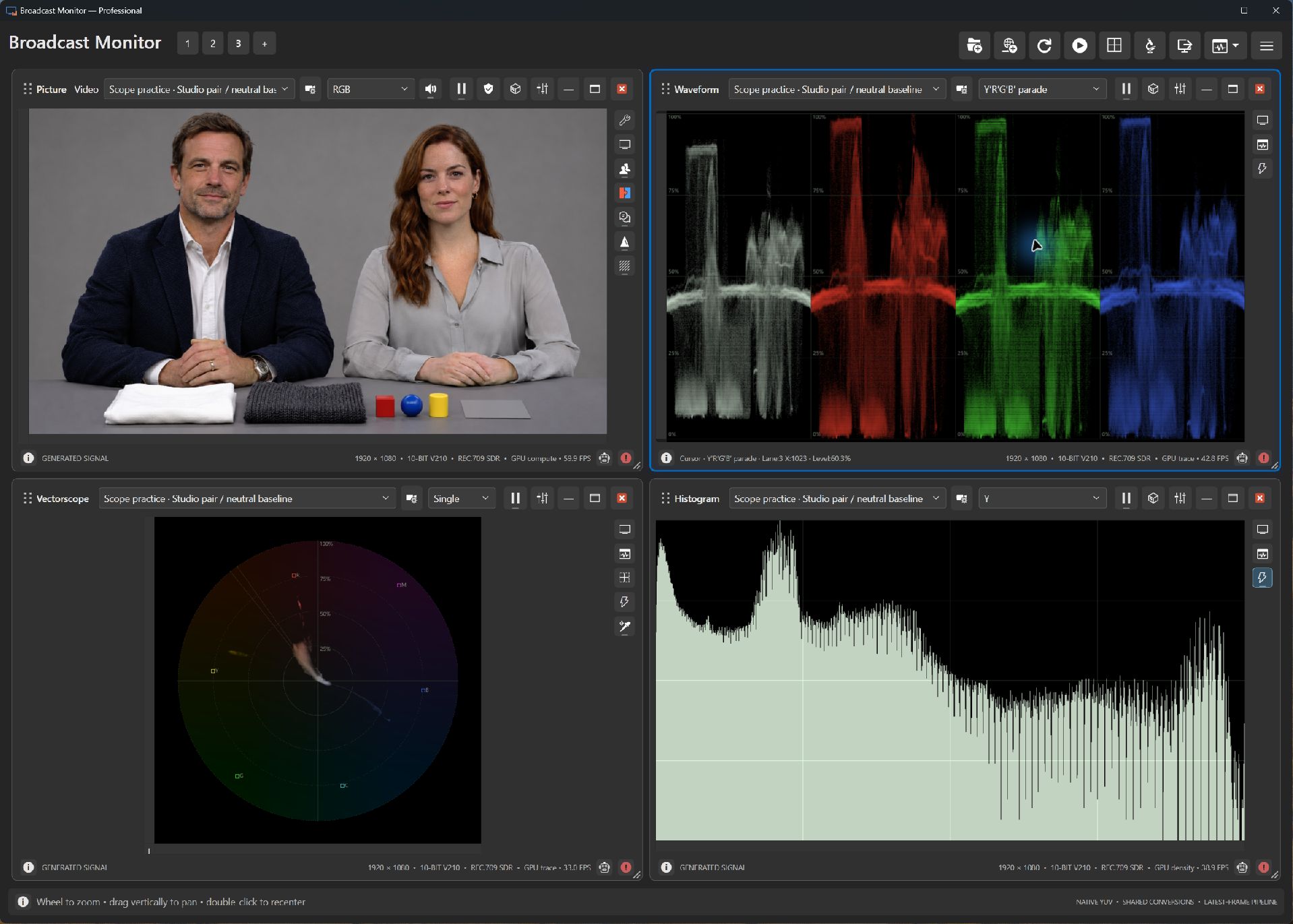
- Open Add scope and choose Picture. In its input list, choose a bundled scene under Generated. The conference or studio pair makes a useful first exercise.
- Add Waveform and Vectorscope in Express or Professional. Use the stacked-screens icon beside the generated source to route it to compatible scopes.
- Arrange the panes so the picture stays beside its measurements. Compare one recognizable subject at a time.
- Read a scope guide below, try its exercise, then save the workspace for the next session.
Start with a question.
For exposure, compare a face with a bright screen or white blouse. For color, compare a known neutral subject across sources. For sound, choose an audio source and follow the channel meters before changing the listening mix.
Bundled photographs are fixed generated scenes. Their audio is a generated alignment tone; audio-file examples on this site identify the separate sound source. Numeric patterns and digital chart patches provide known signal values for practice.